create a supplement
Written By CAL
Last updated 4 months ago
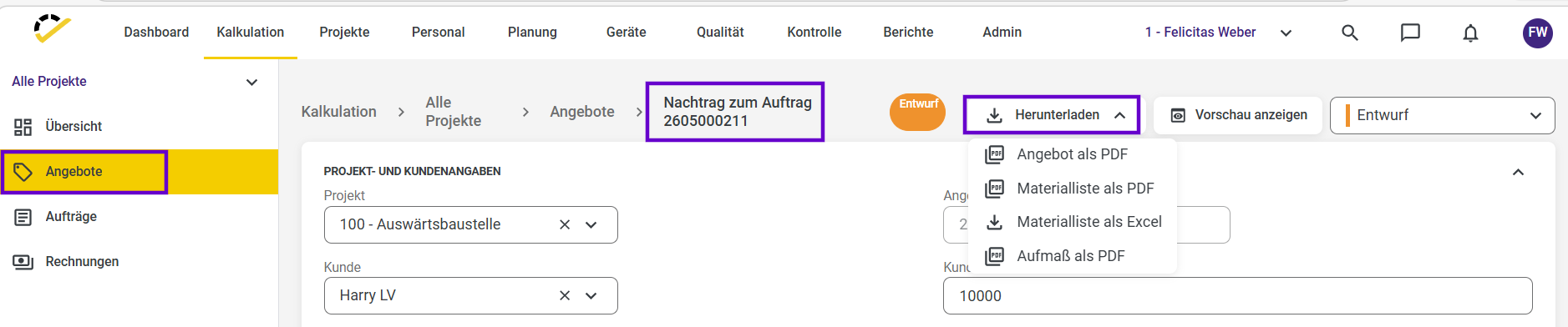
In the "Quotes" section, you'll see the "Create Addendum" button. Once the quote is complete, you can use this feature. To do so, click the three dots.
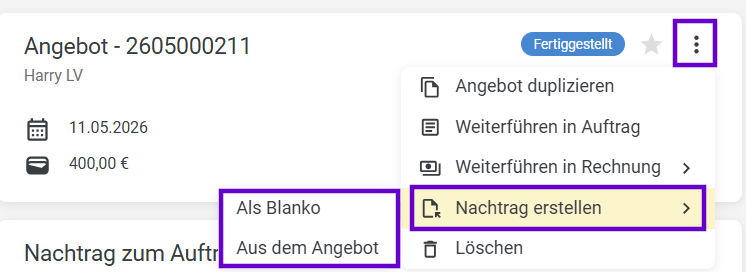
When triggering this, you have two options to choose from:
From the quote: Items from the existing main specifications are transferred to the addendum. Prices and service descriptions can be reused directly.
As a blank document – An empty addendum document is created that can be filled out manually.
In both cases, a new, standalone addendum document is generated that is linked to the original quote or order. The main specifications remain completely read-only and are not altered by the addendum.
You can also create a supplement for an order. Note that the order’s status must be set to “In Progress.”
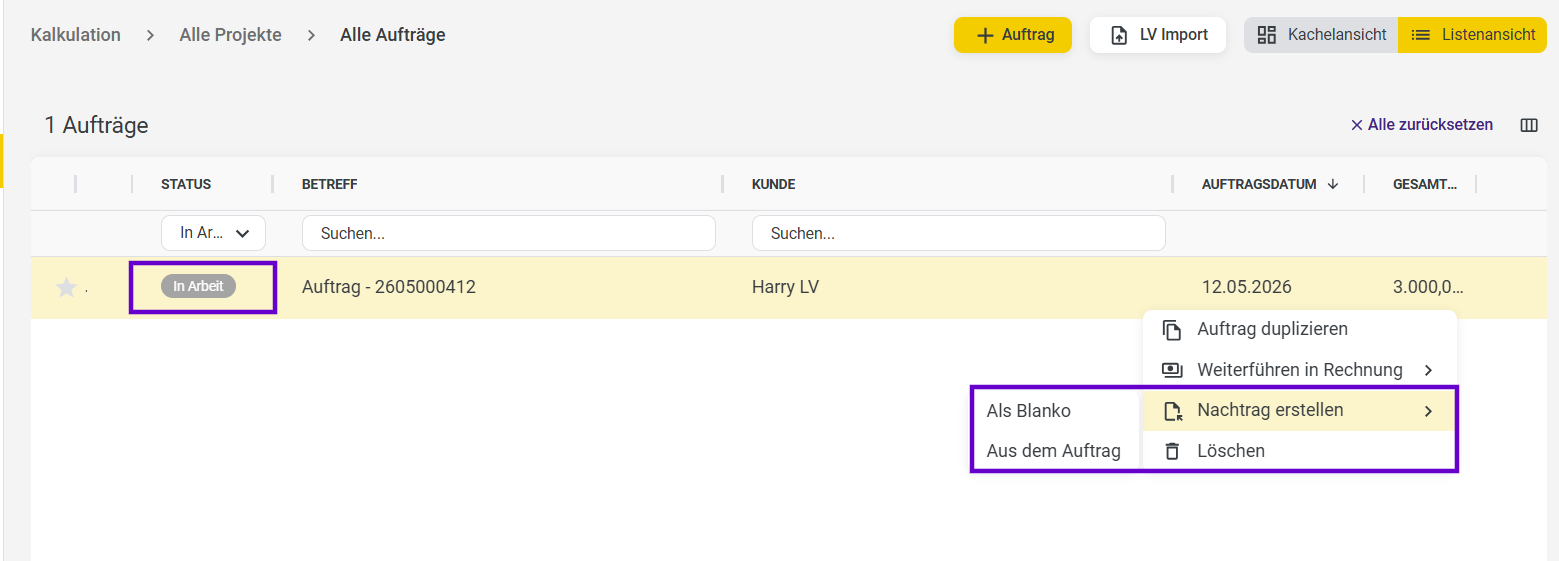
Here, too, you can choose between the two options “As a blank” and “From the order.”
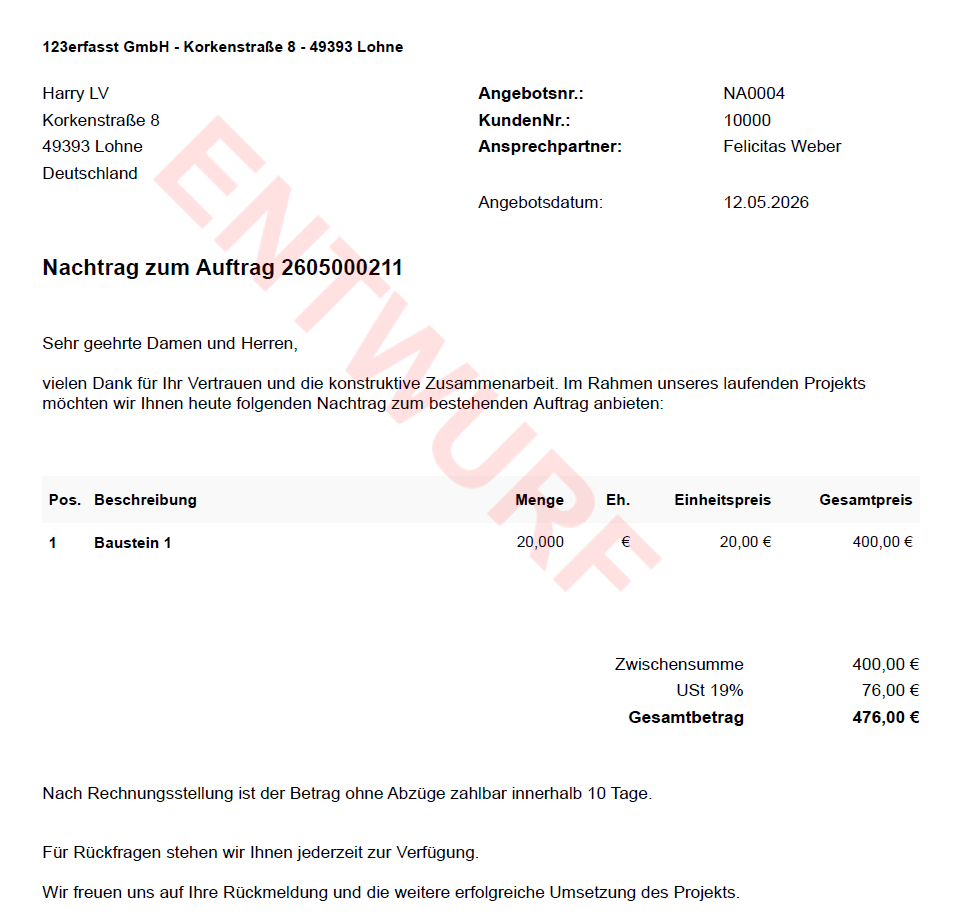
After you have created an addendum, you can find it under the “Quotes” menu item and download it in the desired format.