Quality Forms
Written By Annika Bolten
Last updated 4 months ago
You can create quality forms and view existing entries under Quality > Forms.
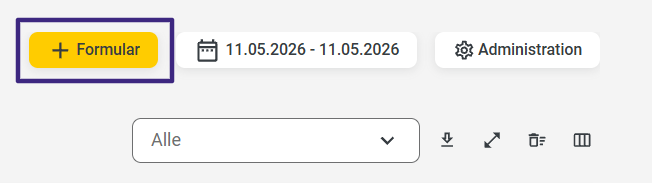
To enter data into a form, select the “+ Form” field.
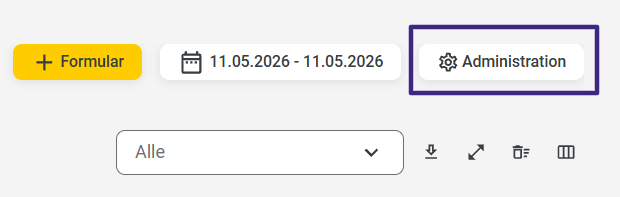
You can create new forms in the Admin area. To do this, simply click the “Administration” button.
You can find instructions for creating forms at here.
App
Log in to the 123quality app with your credentials.
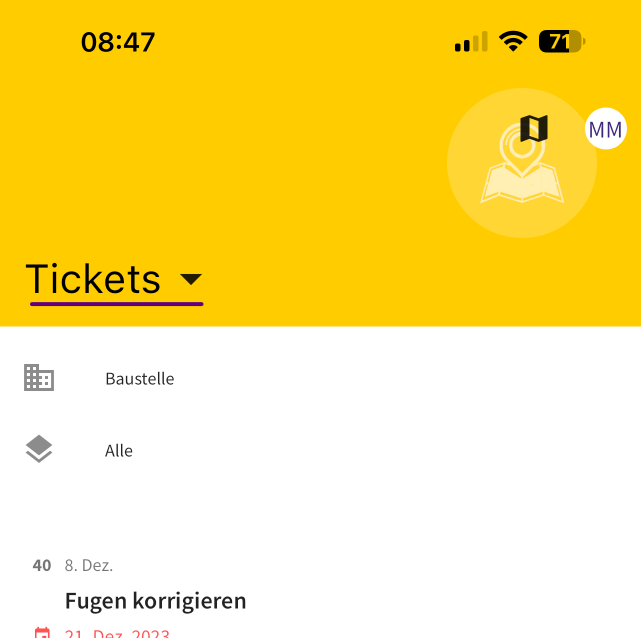
To access the forms, tap “Tickets” at the top of the app. The view will then automatically switch to the forms.
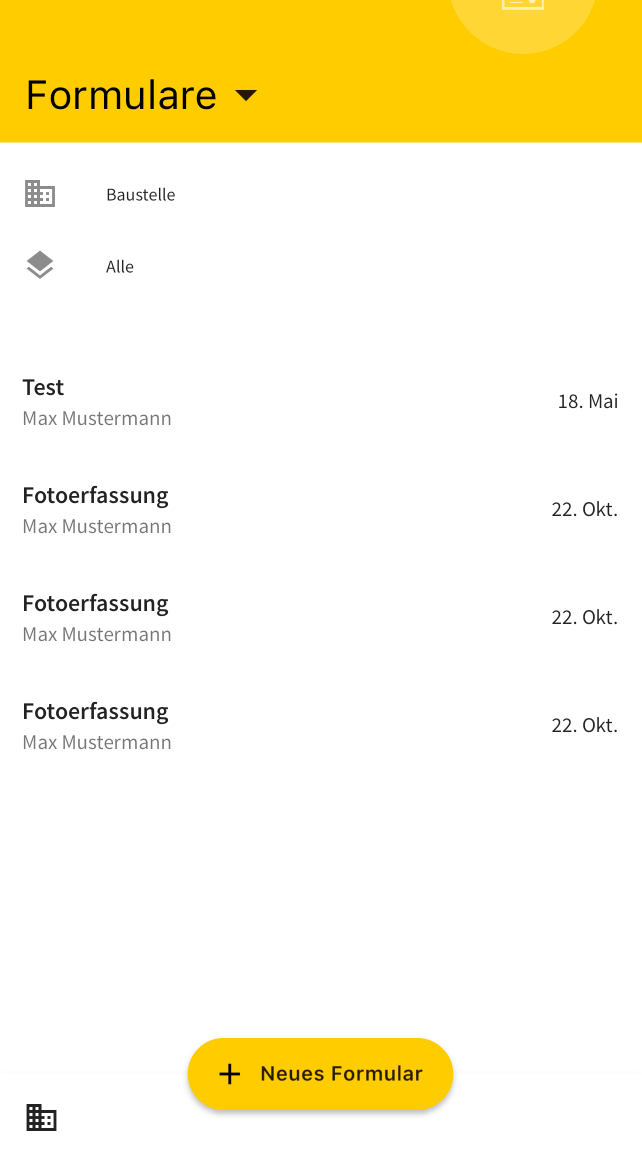
Use the yellow "+ New Form" button to fill out the form you created earlier.
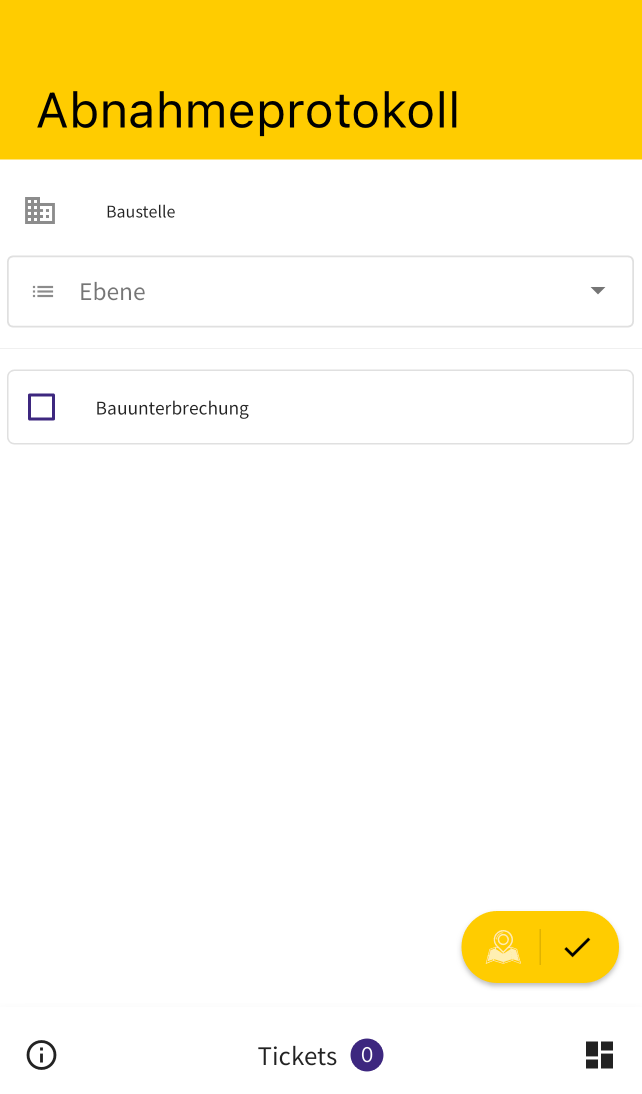
Now fill out your form.
You can also assign the form to a specific level of the project.
To learn how to create levels and plans for a project, visit here.
Click the yellow checkmark in the bottom right corner to save your form entry.
The completed forms from the app will also be displayed in the Office under Quality > Forms.