equipment information
Written By CAL
Last updated 4 months ago
To view additional information and current data about the device, go to the "Device Information" tab in the device overview. To do this, navigate to Devices → Device Information.
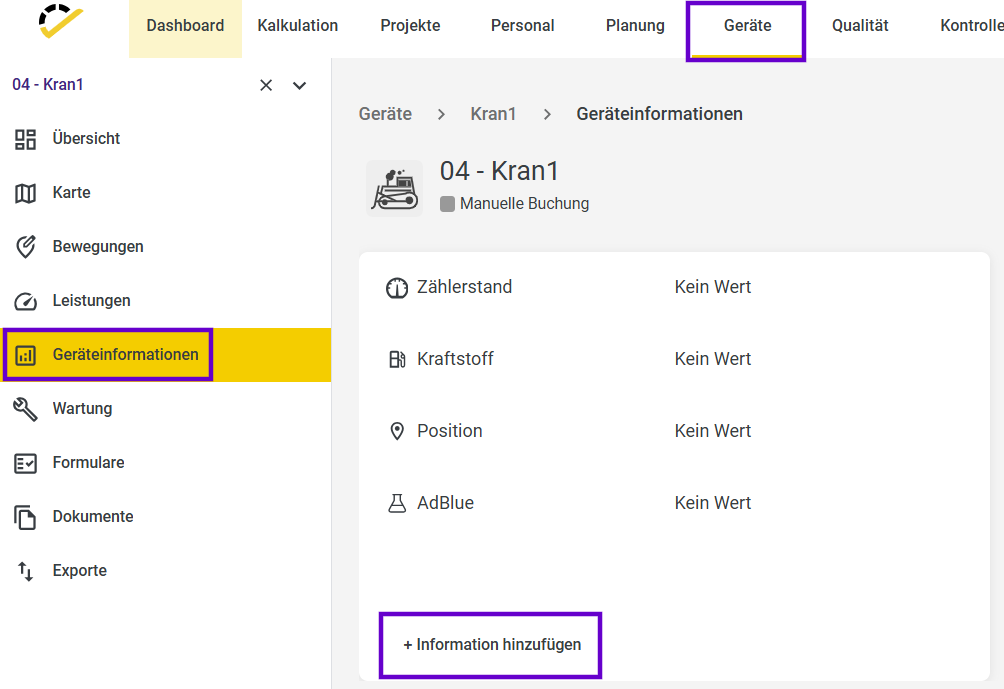
By clicking on “+ Add Information,” you’ll see a selection of different parameters that you can add to the overview.
You can choose whether the information should be collected automatically or entered manually. Automatic collection is only possible if the telematics unit in the device can transmit this data.
The device information also serves as reference values for the "Maintenance" (Device Status Report).