Notifications
Written By CAL
Last updated 4 months ago
Clicking the bell icon opens the Notifications menu.
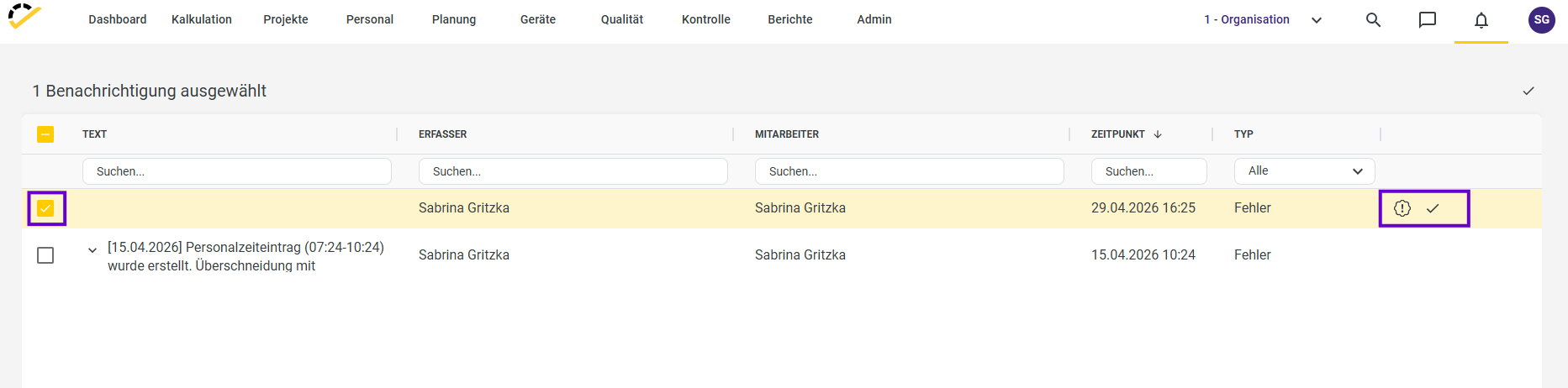
This is where all alerts and error messages generated in Office are displayed (e.g., overlapping staff schedules).
You can select individual messages and either resolve them or mark them as completed.
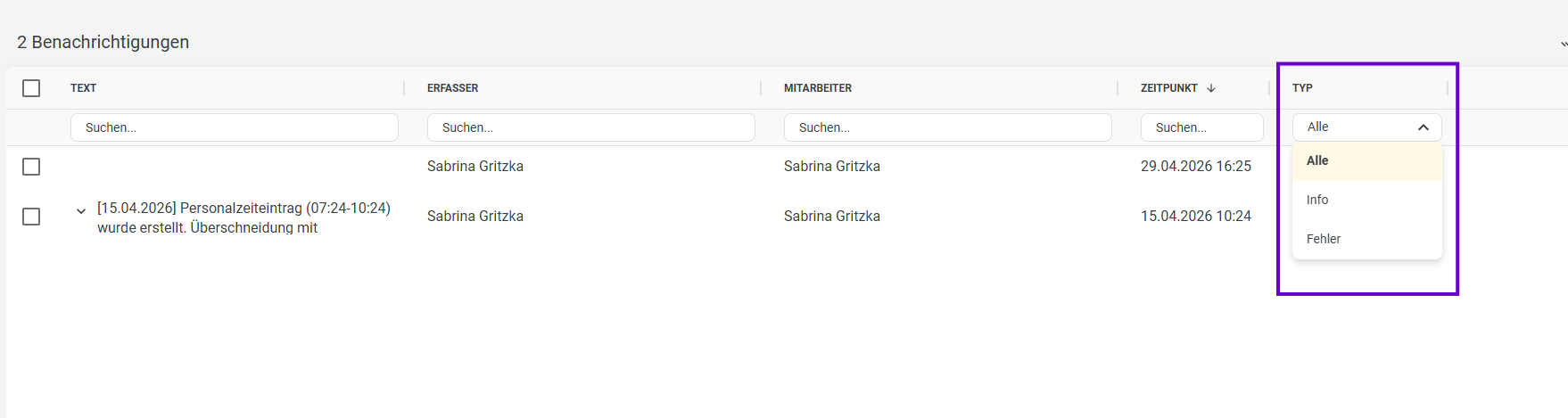
You also have the option to filter the notifications.
In the Type section, for example, you can filter by Info, Errors, or All.