Projects Forms
Written By Annika Bolten
Last updated 4 months ago
You can enter project forms and view previously entered data under Projects > Forms.
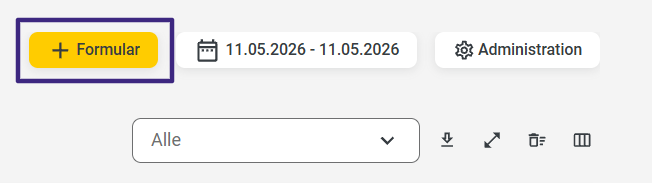
To enter data into a form, select the “+ Form” field.
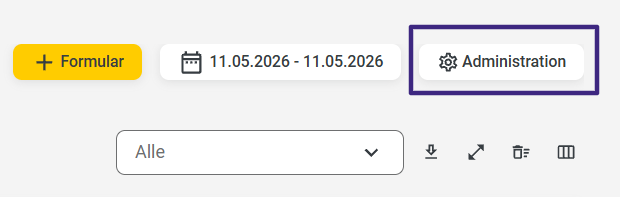
You can create new forms in the Admin area. To do this, simply click the “Administration” button.
You can find instructions for creating forms at here.
App/Web Entry
Log in to the 123erfasst app with your credentials. Then tap the Forms tile.
After tapping the “Forms” tile, all forms available for editing will be displayed:
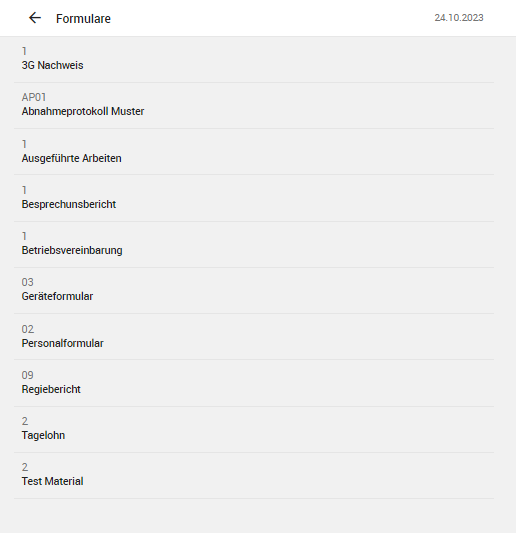
After tapping the “Forms” tile, you can use the search function to select the desired form and open it for editing. To do this, tap the + sign once and enter the corresponding form in the search field.
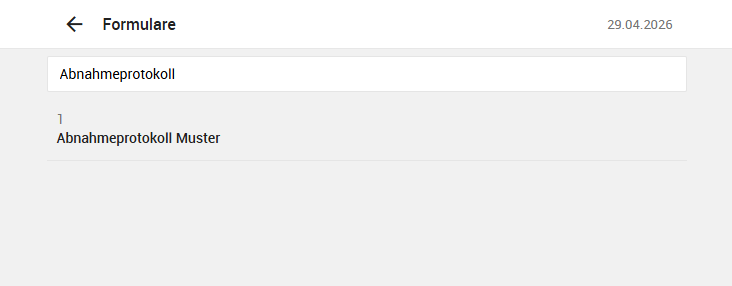
Here you can now select the desired form and start filling it out.
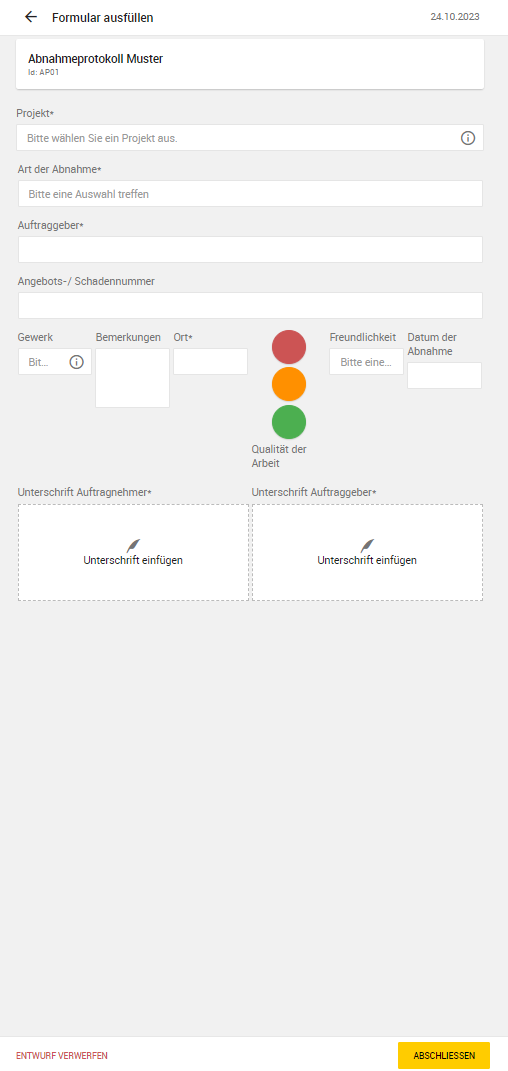
Finally, you can either complete the form directly, or if additional entries need to be made at a later time, save the form as a draft by simply exiting the form entry using the arrow in the top-left corner.