Company Information
Written By CAL
Last updated 4 months ago
In this article, you'll learn how to view your saved company details and contact information and update them if necessary.
To access your company information, follow these steps:
Click on More
Go to Admin
Select Account
Click on Company Information
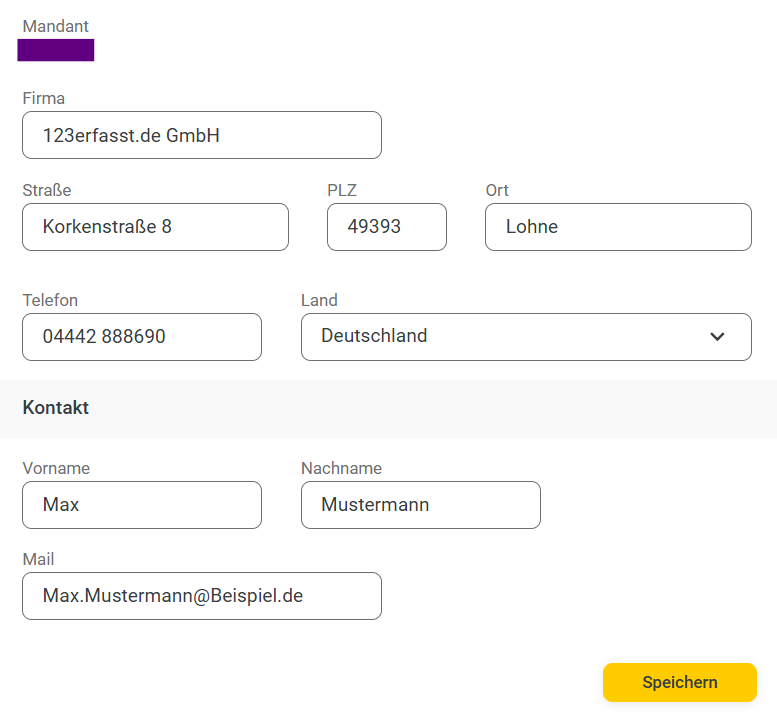
You’ll also find your client number in this section.
You can view and edit the following information here as needed:
Company
Street
Zip
City
Phone
Country
In the Contact section, you can also view the following information and edit it as needed:
First name
Last name
Email
Finally, click the Save button to apply your changes.