Storing stationery
Written By CAL
Last updated 4 months ago
You can upload your custom letterhead in PDF format to use it for your quotes, orders, and invoices/credit memos.
To do this, go to Quotes/Orders/Invoices and Credit Notes -> Overview and first open a quote, order, invoice, or credit note.
If you haven’t entered any quotes, orders, or invoices/credit notes yet, you can find out how to do so at here.
In this example, we’ll set up letterhead for quotes.
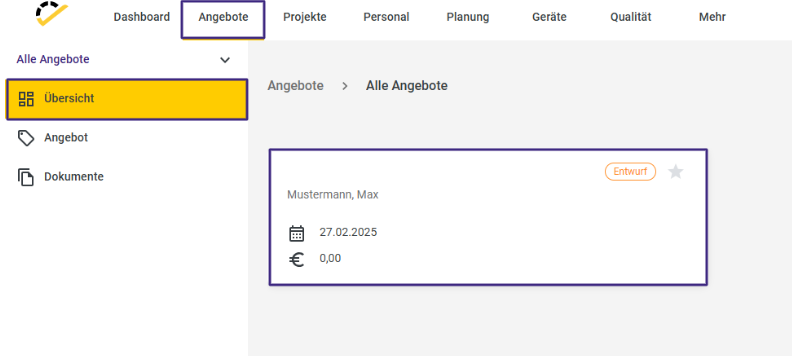
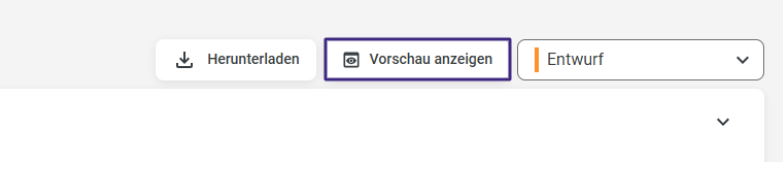
Now click on "Show Preview" in the top right corner of the quote.
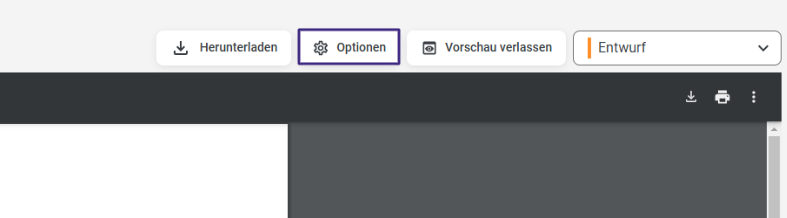
In the preview that opens, click the Options button in the top right corner.
Drag and drop your letterhead PDF into the window or insert it from File Explorer by clicking here.
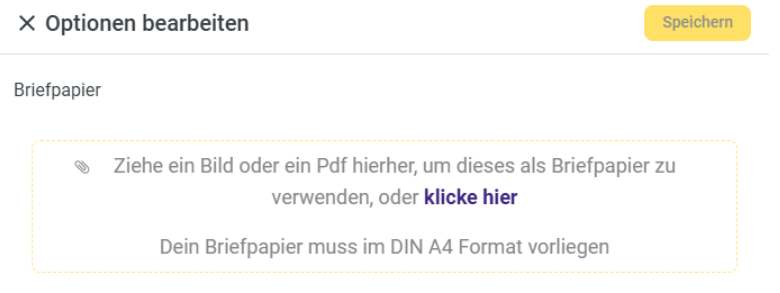
Save your letterhead by clicking Save.
Your letterhead will now be automatically integrated into the preview.
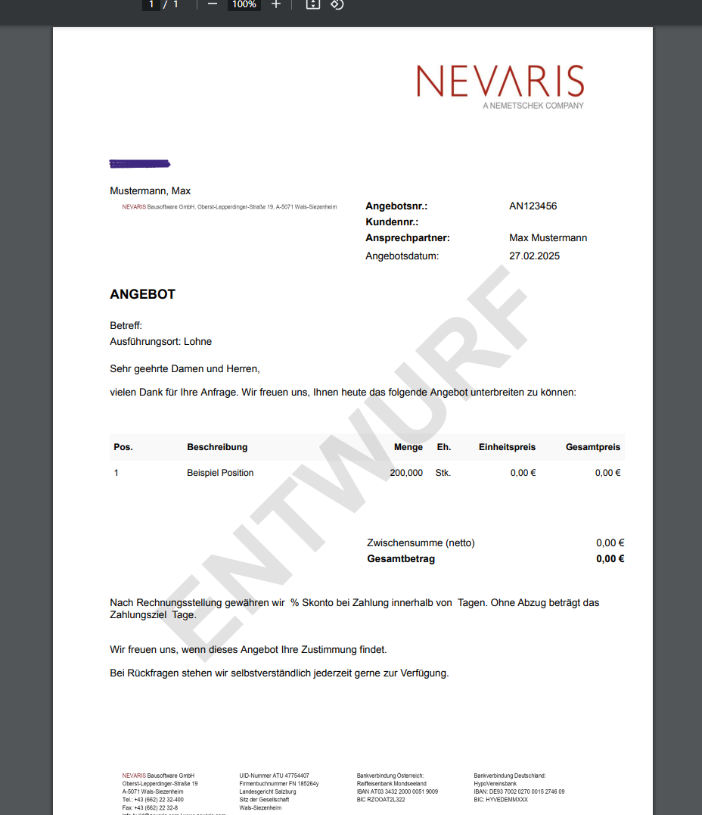
If you want to change your letterhead, you can upload a new file at any time by following the steps above.